
Free and open source · for Frigate NVR
Timelapses from your Frigate cameras, made easy
Pick your cameras and a time range, and get a short timelapse of the whole day. Chismoso also does live view, a recordings timeline, clips and notifications, in a small app for Windows, macOS and Linux.
All platforms · Read the docs · Source on GitHub
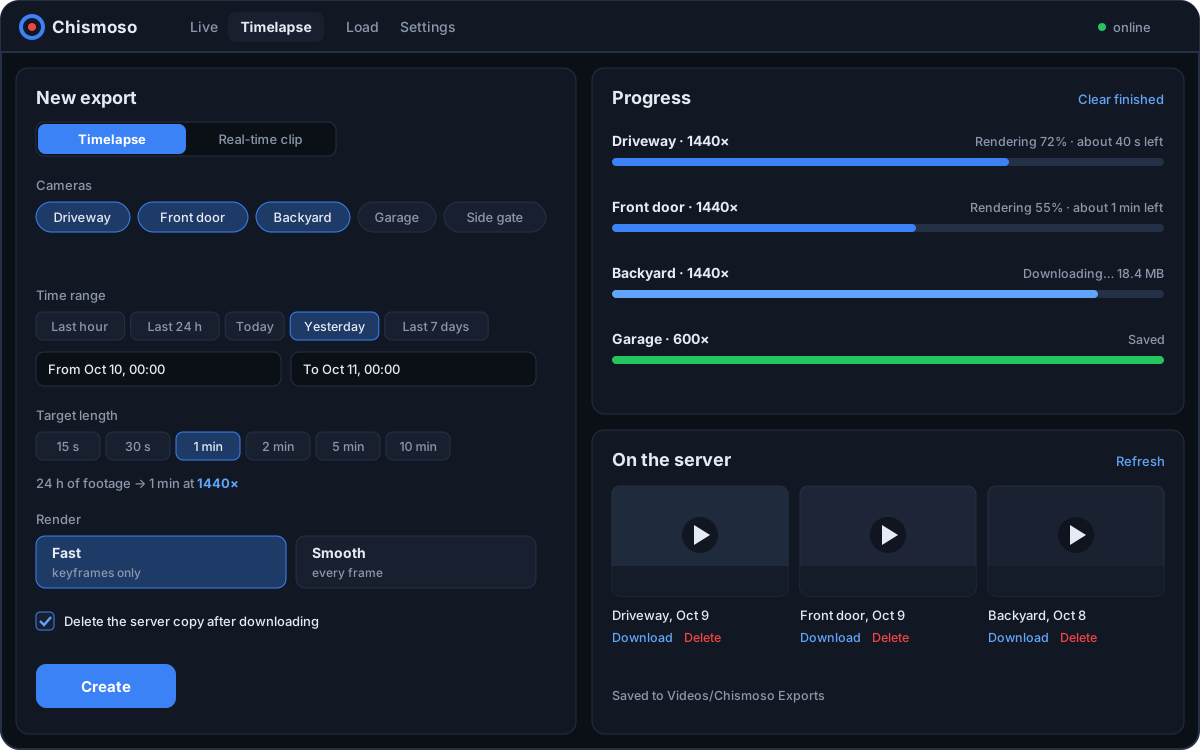
A whole day in a minute
Pick the cameras and a time range, say how long the timelapse should be, and Chismoso works out the speed. Frigate does the rendering, several cameras at a time, and the files land in a folder you choose. Plain clips work the same way.
- Fast mode decodes keyframes only, many times quicker for long ranges.
- Optionally delete the server copy once it's downloaded.
- The same engine runs from the command line for scheduled jobs.
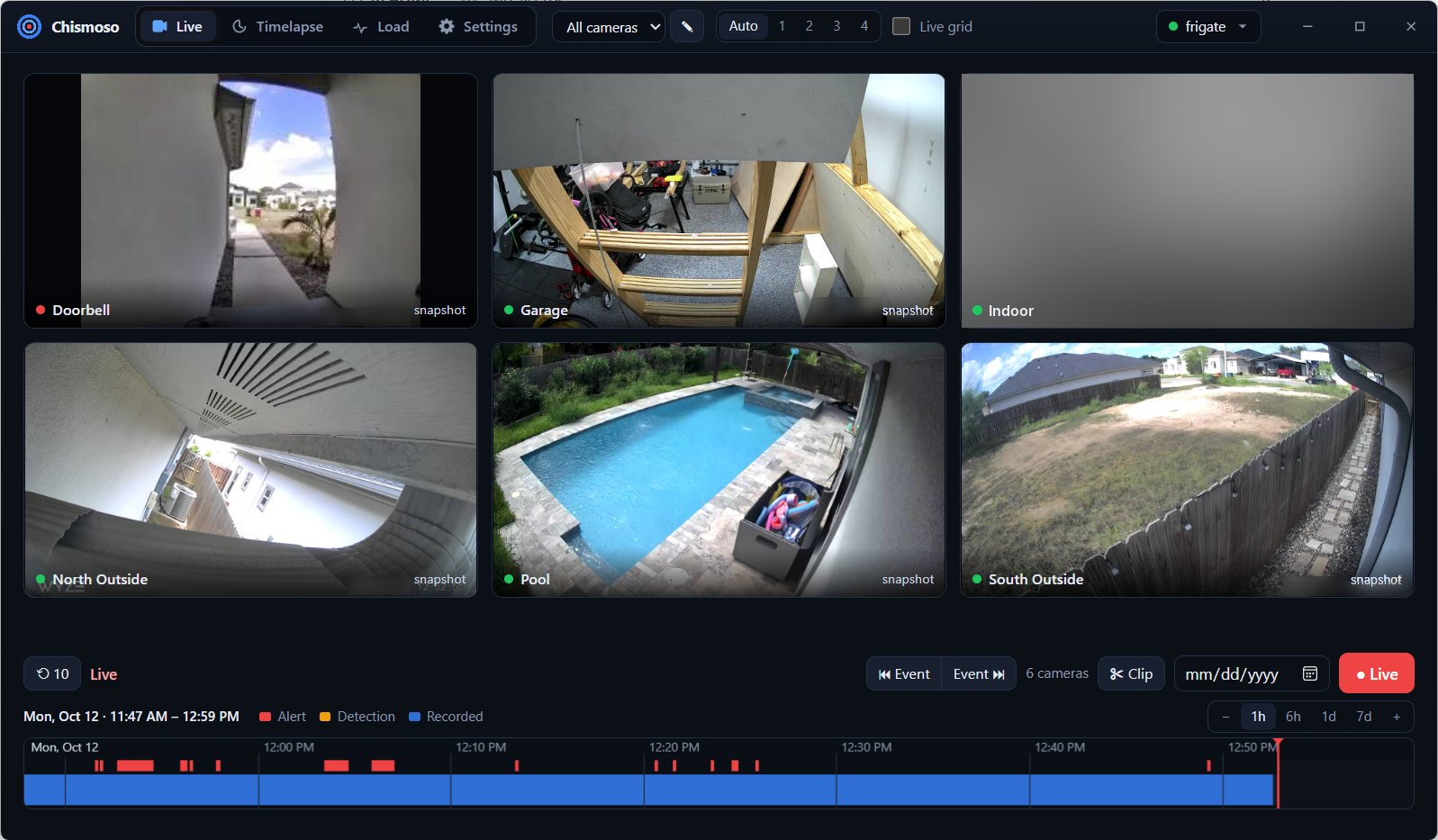
Watch live, without the wait
Every camera in a grid, or one camera full size. Chismoso picks the best way to stream on its own: WebRTC through Frigate's go2rtc when it can, MSE when it can't, and snapshots as a last resort, so there's always a picture.
- Use Frigate's camera groups, or build your own layouts.
- Substreams keep the grid light; the full view lets you pick the stream.
- Each tile shows the frame rate you're actually getting.
Scroll back through time
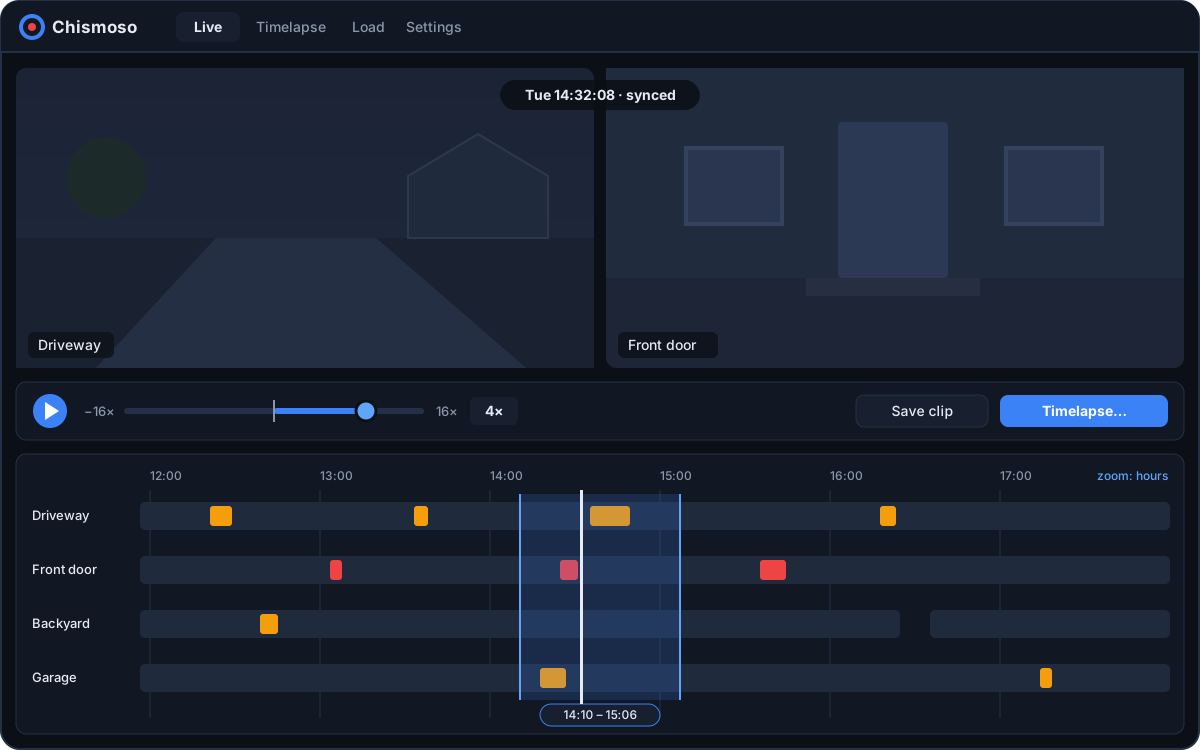
Under the grid sits a timeline you can zoom from weeks down to seconds, with alerts in red and detections in amber. Click anywhere and every camera in the layout plays from that moment, in step.
- Hover an event to see its thumbnail; jump to the previous or next one.
- Play from −16× (backwards) to 16×, with J K L like a video editor.
- Select a stretch to play it, save it, or turn it into a timelapse.
Know when something happens
New Frigate alerts arrive as native notifications, with a snapshot when a person is detected. Choose the cameras, add detections if you like, and set a cooldown so a busy driveway doesn't bury you.
No MQTT broker or cloud service involved: the app listens to Frigate directly while it's running.
More about notifications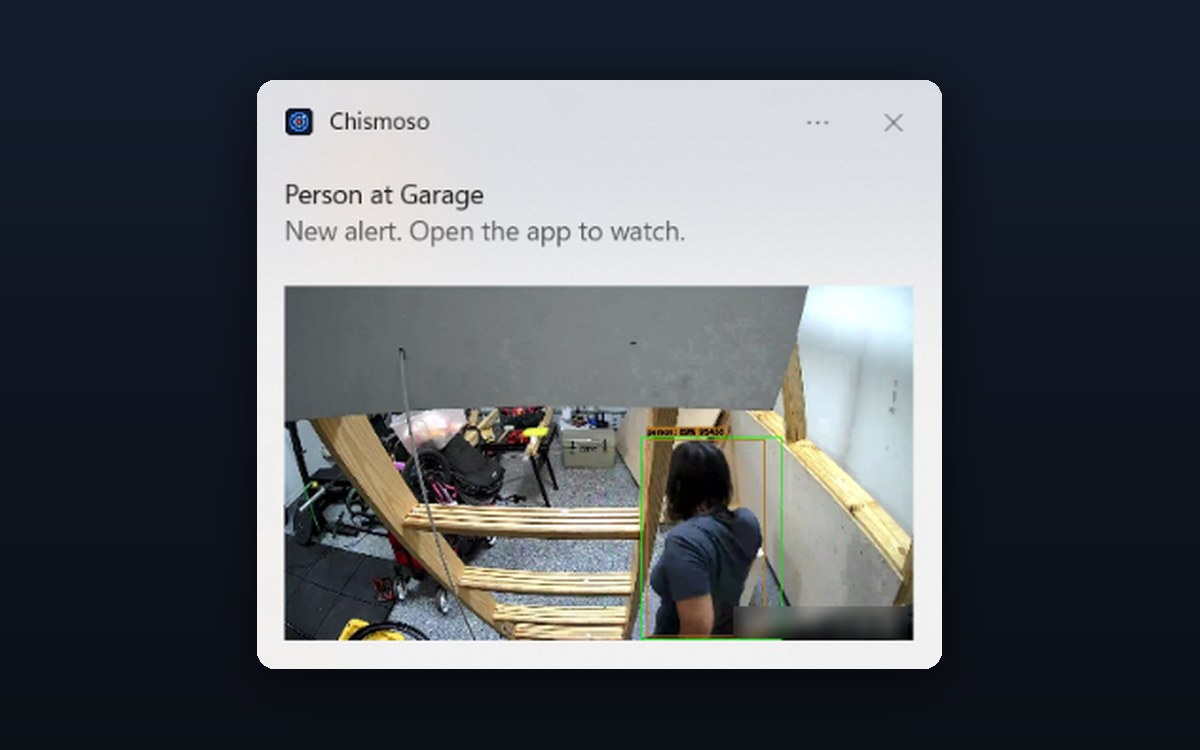
Light by design
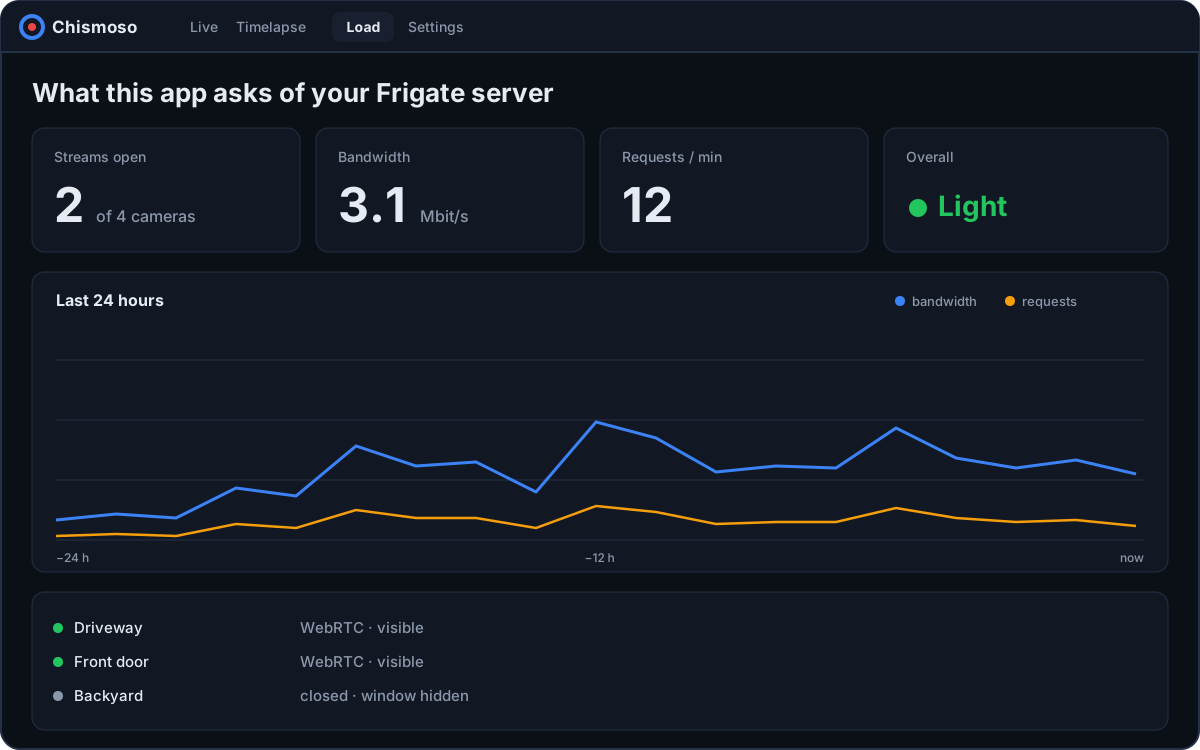
A camera app shouldn't need a gigabyte of memory, or keep your server busy for nobody.
- ~10 MB
- download, built with Rust and Tauri 2
- No Electron
- uses your system's own web view
- Idle when hidden
- streams close 30 s after you minimize
- Load screen
- see what the app asks of Frigate
And a few more things
Smaller things that came along the way.
-
Camera view
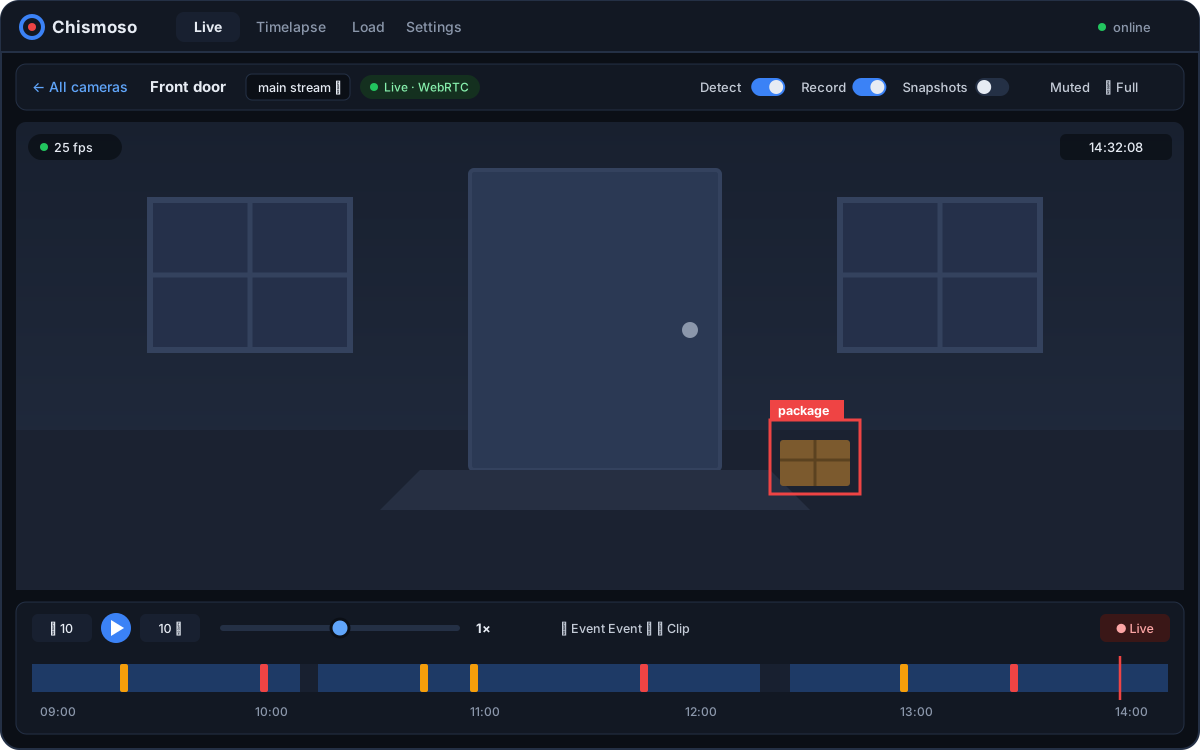
One camera, full size. Pick a stream, flip detect, record and snapshots on or off, go full screen.
Camera view -
Config editor
Edit Frigate's
Settingsconfig.ymlwith validation, then save or save & restart. Admins only. -
Your certificate, pinned
Works with Frigate's self-signed certificate: trust it once and you're warned if it ever changes. Your password is never stored.
Privacy & security -
Command line
Make timelapses and exports from scripts and scheduled jobs, no window needed.
Command line -
Keyboard friendly
Jump, scrub, change speed and hop between events without reaching for the mouse.
Shortcuts -
Updates from GitHub
The app checks GitHub releases and offers to update when a new version is out.
Updates -
Phones, eventually
Android and iOS are built from the same code. A phone release will come later.
Phone apps -
No account, no cloud
The app talks straight to your Frigate server. Your footage stays between the two of them.
FAQ
Give it a try
Windows, macOS and Linux. If something breaks or you have an idea, open an issue on GitHub.